
CMMS For Earthmoving and Construction Fleets
The Asset Operating System
More than a CMMS, Samurai’s Asset Operating System helps earthmoving, civil, plant hire and mining contractors understand the condition, cost, utilisation, risk and future value of every machine in the fleet, so you can make better commercial decisions.
<div style="display: flex; gap: 15px; align-items: center; justify-content: space-between; flex-wrap: wrap;">
<div style="flex: 1; min-width: 250px;">
</div>
<div>
<a href="tel:+61739150894" style="background-color: #f26522; color: #ffffff; padding: 12px 20px; text-decoration: none; border-radius: 4px; font-weight: 600; display: inline-block; white-space: nowrap;">Contact Us</a>
</div>
</div>

Why this matters
A maintained machine isn’t always a profitable asset.
Most maintenance software answers one question:
Has the work been completed?
Fleet owners need answers to much bigger quesitons:
Which machines are becoming expensive to own?
Which assets should be rebuilt?
Which customers cause the most damage?
Which machines should be sold?
Which machines are becoming expensive to own?
An Asset Operating System helps answer these questions by connecting maintenance with utilisation, inspections, lifecycle costs and commercial performance.
<div style="display: flex; gap: 15px; align-items: center; justify-content: space-between; flex-wrap: wrap;">
<div style="flex: 1; min-width: 250px;">
</div>
<div>
<a href="tel:+61739150894" style="background-color: #f26522; color: #ffffff; padding: 12px 20px; text-decoration: none; border-radius: 4px; font-weight: 600; display: inline-block; white-space: nowrap;">Contact Us</a>
</div>
</div>
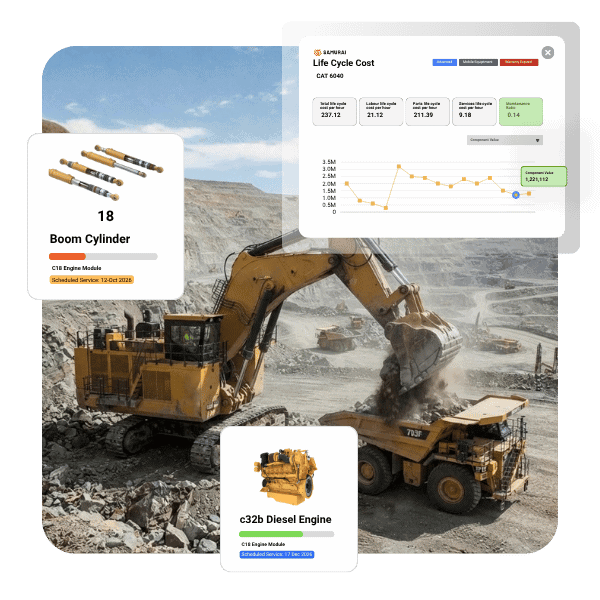
Everything points back to the Asset
Ultimately, every maintenance cost and operational hour traces back to how your equipment performs on the ground. Moving away from isolated job cards allows you to view the bigger picture across your entire fleet. Keeping track of this data helps you avoid unexpected expenses down the track and ensures your operation runs smoothly.
<div style="display: flex; gap: 15px; align-items: center; justify-content: space-between; flex-wrap: wrap;">
<div style="flex: 1; min-width: 250px;">
</div>
<div>
<a href="tel:+61739150894" style="background-color: #f26522; color: #ffffff; padding: 12px 20px; text-decoration: none; border-radius: 4px; font-weight: 600; display: inline-block; white-space: nowrap;">Contact Us</a>
</div>
</div>
Comparison
A traditional CMMS only records maintenance.
An Asset Operating System supports business decisions.
Traditional CMMS
- Service History
- Work Orders
- Maintenance Cost
- Repairs
- Maintenance Reporting
- Planned Maintenance
Asset Operating System
- Complete Asset History
- Commercial Performance
- Whole-of-life Costs
- Asset Condition
- Lifecycle Planning
- Capital Decision Support
<div style="display: flex; gap: 15px; align-items: center; justify-content: space-between; flex-wrap: wrap;">
<div style="flex: 1; min-width: 250px;">
</div>
<div>
<a href="tel:+61739150894" style="background-color: #f26522; color: #ffffff; padding: 12px 20px; text-decoration: none; border-radius: 4px; font-weight: 600; display: inline-block; white-space: nowrap;">Contact Us</a>
</div>
</div>
Capabilities
Manage the whole asset lifecycle
Complete Asset Lifecycle
Track every stage from acquisition through to disposal
Condition & Risk Visibility
Capture inspections, damage, customer behaviour and condition trends.
Integrated Forms
Pre-starts, inspections, off-hire reports and site forms automatically update the asset record.
Lifecycle Costing
Understand the real cost of ownership through labour, components and future forecasting.
Utilisation & Performance
Track location, utilisation, downtime and productivity to maximise the return on assets.
Rebuild & Replacement Planning
Know when to retain, rebuild, redeploy or replace equipment using data backed calculations.
<div style="display: flex; gap: 15px; align-items: center; justify-content: space-between; flex-wrap: wrap;">
<div style="flex: 1; min-width: 250px;">
</div>
<div>
<a href="tel:+61739150894" style="background-color: #f26522; color: #ffffff; padding: 12px 20px; text-decoration: none; border-radius: 4px; font-weight: 600; display: inline-block; white-space: nowrap;">Contact Us</a>
</div>
</div>
What Changes
What changes for your Business
Instead of...
- Chasing Spreadsheets
- Searching Emails
- Looking through Inspection Folders
- Guessing Asset Condition
- Reacting to Failures
You Get...
- Complete Asset Record
- Better Replacement Decisions
- Protected Residual Value
- Faster Customer Dispute Resolution
- Greater Confidence in Capital Planning
Built for businesses where equipment is the business
Industries
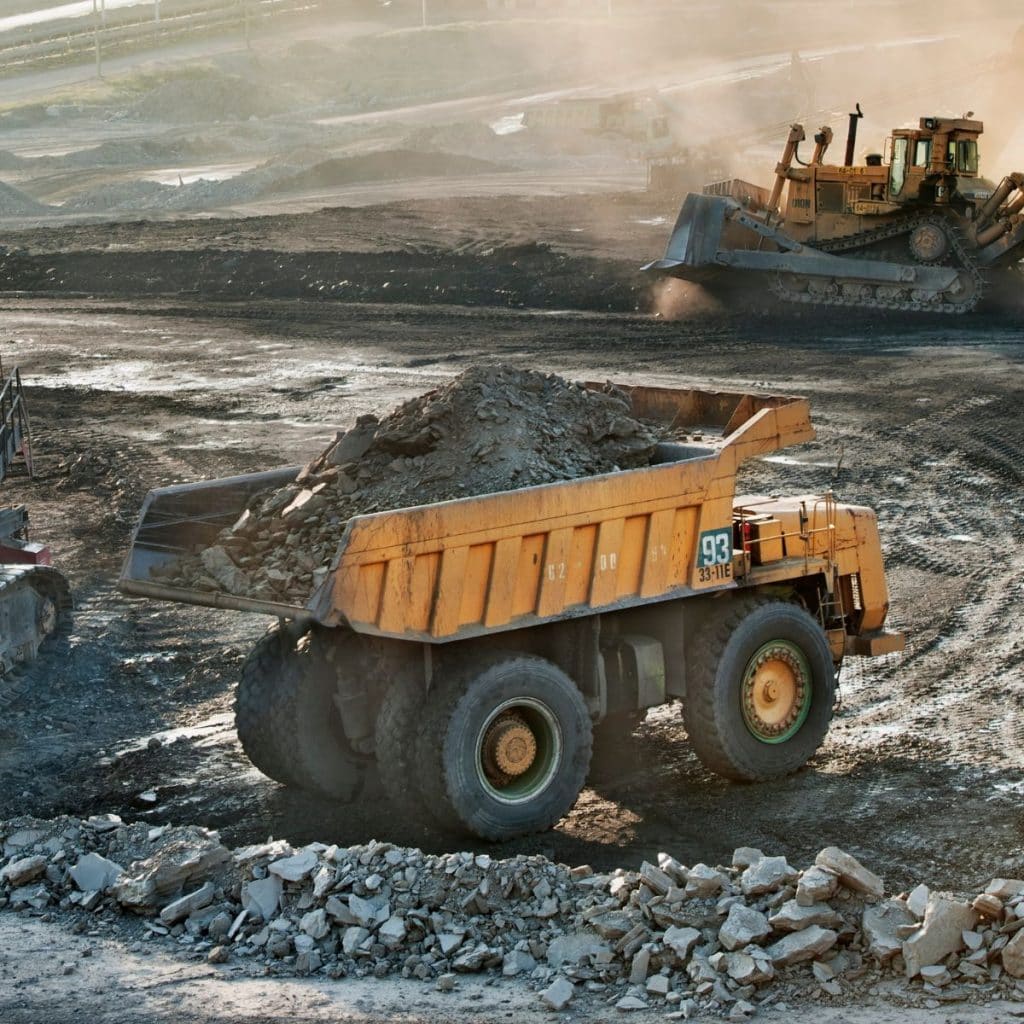
Earthmoving Contractors
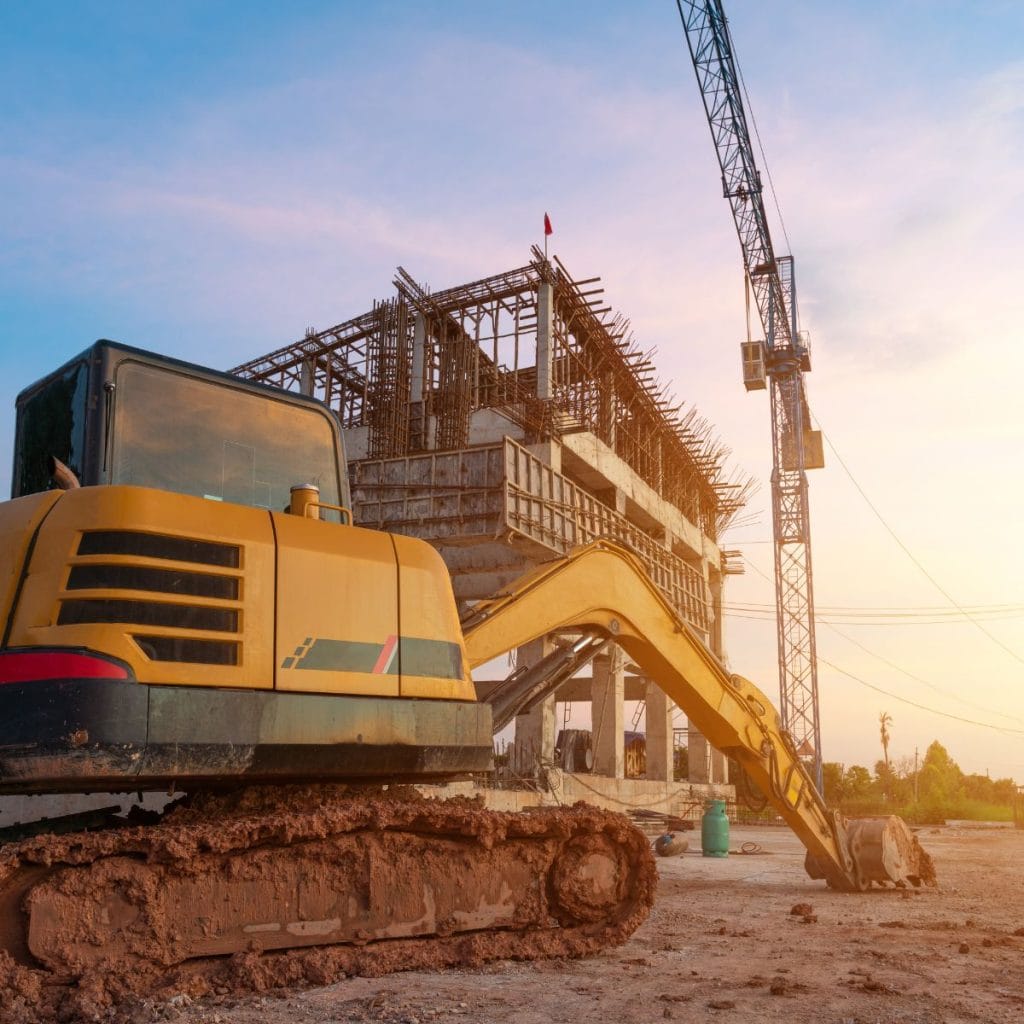
Civil Construction
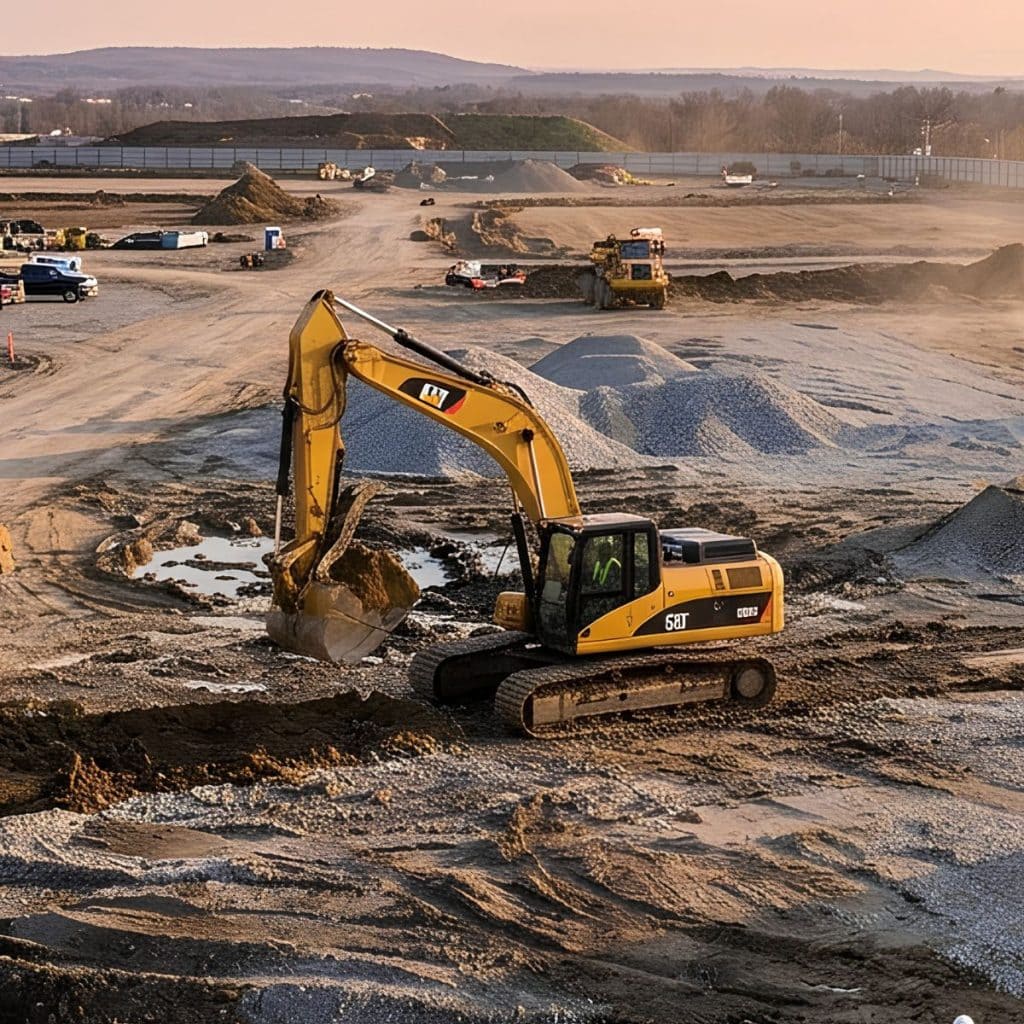
Plant Hire
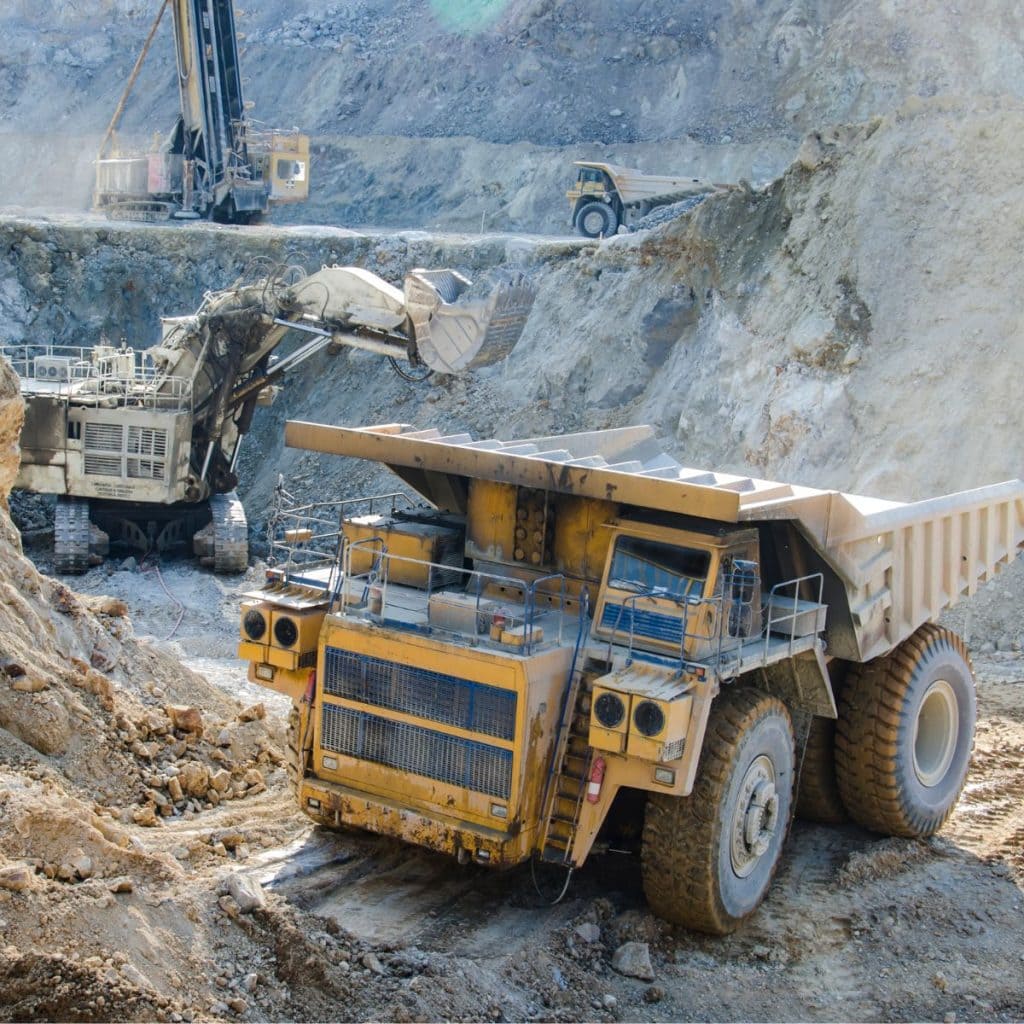
Mining Contractors
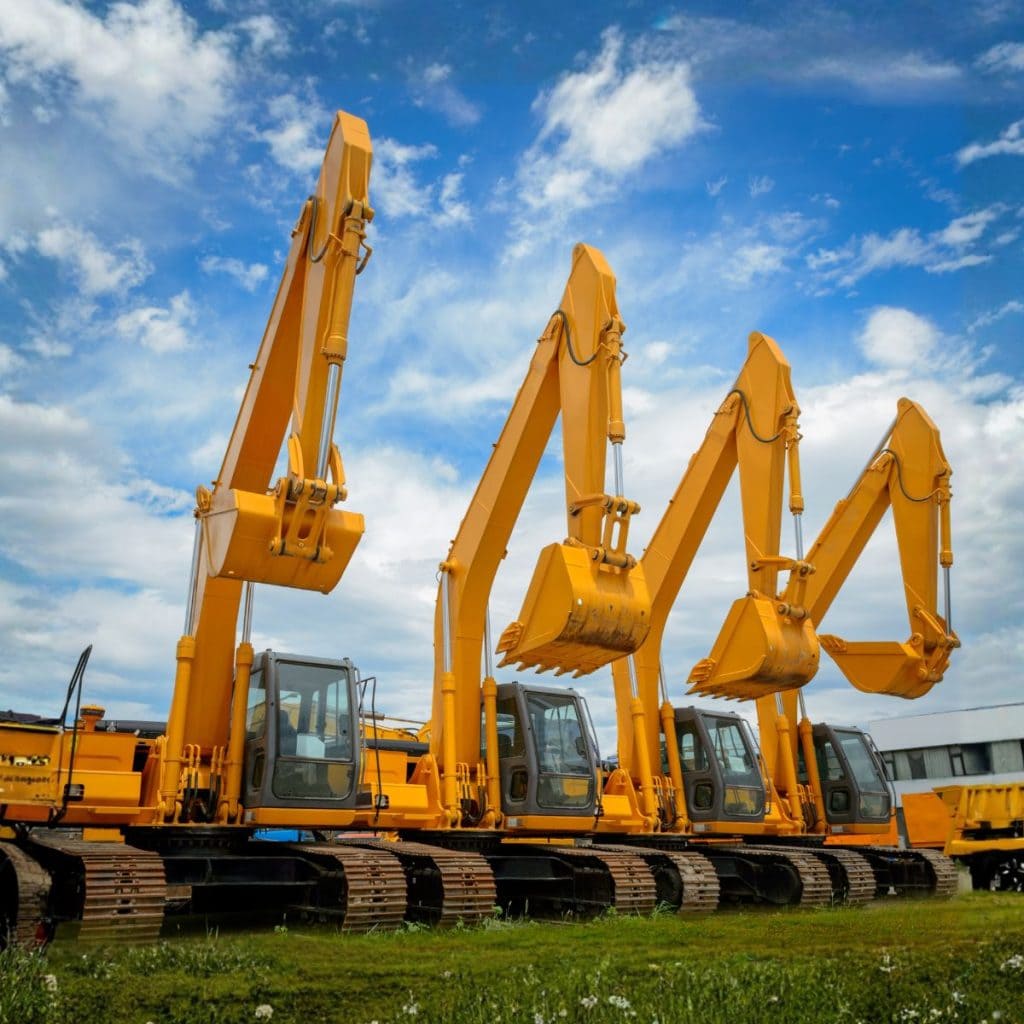
Equipment Rental
<div style="display: flex; gap: 15px; align-items: center; justify-content: space-between; flex-wrap: wrap;">
<div style="flex: 1; min-width: 250px;">
</div>
<div>
<a href="tel:+61739150894" style="background-color: #f26522; color: #ffffff; padding: 12px 20px; text-decoration: none; border-radius: 4px; font-weight: 600; display: inline-block; white-space: nowrap;">Contact Us</a>
</div>
</div>
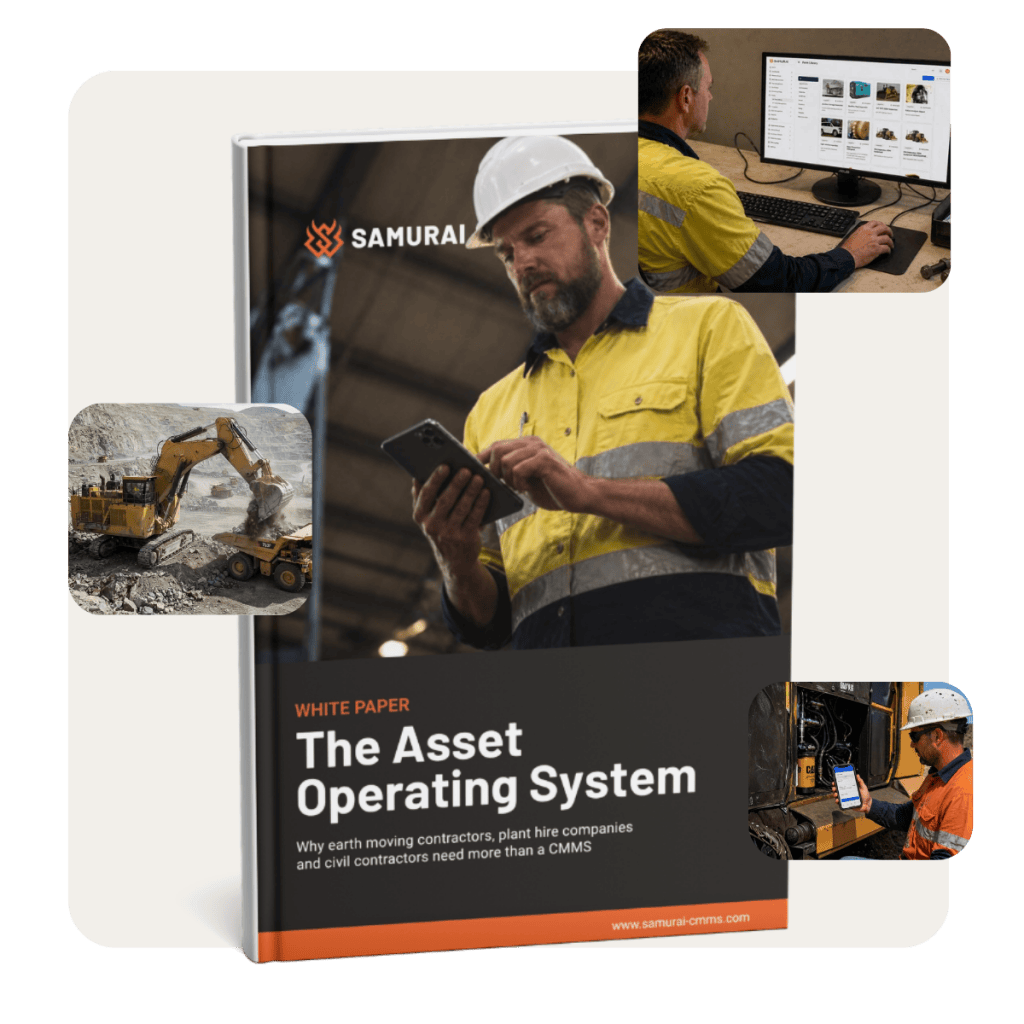
Download the Whitepaper
More Than a CMMS. An Asset Operating System.
Why earthmoving contractors, plant hire companies, civil contractors and hire-to-buy companies need more than a CMMS.
FAQ
Frequently asked questions
What is an Asset Operating System?
An Asset Operating System is a software platform that manages every aspect of an asset's operation, not just maintenance. It combines maintenance management, inspections, work orders, purchasing, inventory, downtime, compliance, reporting, and mobile workflows into a single integrated system.
How is an Asset Operating System different from a CMMS?
A traditional CMMS is primarily designed to schedule and record maintenance activities. An Asset Operating System goes much further by connecting maintenance with operational workflows, inspections, digital forms, contractors, purchasing, inventory, asset history, and business reporting, creating one complete system for managing your fleet.
Who should use an Asset Operating System?
Asset Operating Systems are ideal for organisations that rely on mobile equipment and need greater control over asset performance, including earthmoving contractors, mining operations, civil construction companies, equipment hire businesses, transport fleets, utilities, and infrastructure providers.
What are the benefits of an Asset Operating System?
An Asset Operating System helps businesses:
- Increase equipment availability
- Reduce maintenance costs
- Improve workforce productivity
- Eliminate paperwork and duplicate data entry
- Maintain complete asset history
- Simplify compliance and audits
- Make better decisions using accurate, real-time information
Can an Asset Operating System replace multiple software systems?
Yes. Many businesses use separate applications for maintenance, inspections, spreadsheets, forms, contractor management and reporting. An Asset Operating System brings these together into a single platform, reducing complexity and improving data quality.
Why is an Asset Operating System better than spreadsheets?
Spreadsheets quickly become difficult to maintain as fleets grow. An Asset Operating System provides live data, automated workflows, complete asset history, mobile access, user permissions, audit trails, and reporting without relying on manual updates or disconnected files.
Stop managing maintenance. Start managing your assets.
See how Samurai gives earthmoving contractors and plant hire companies complete control over the machines that generate their revenue.
<div style="display: flex; gap: 15px; align-items: center; justify-content: space-between; flex-wrap: wrap;">
<div style="flex: 1; min-width: 250px;">
</div>
<div>
<a href="tel:+61739150894" style="background-color: #f26522; color: #ffffff; padding: 12px 20px; text-decoration: none; border-radius: 4px; font-weight: 600; display: inline-block; white-space: nowrap;">Contact Us</a>
</div>
</div>