What is a computerised maintenance management system?
A computerised maintenance management system, often called a CMMS, is software used to plan, record and manage maintenance work. It usually replaces spreadsheets, paper job cards, whiteboards and disconnected forms.
A good CMMS helps maintenance teams:
- manage assets and equipment
- create and complete work orders
- schedule preventative maintenance
- track inspections, defects and repairs
- keep maintenance records in one place
- report on downtime, availability and costs
- build a reliable asset history over time
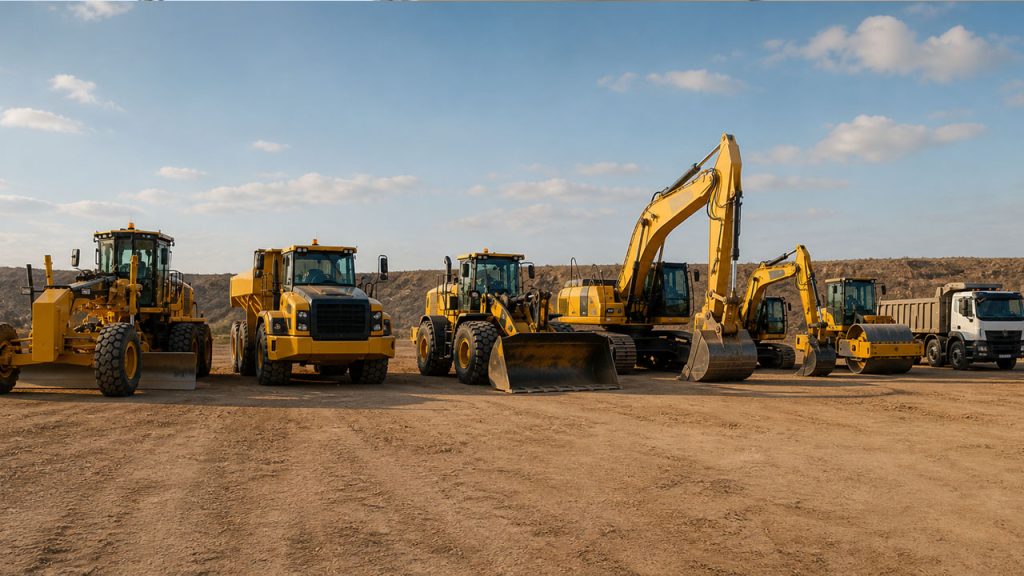
For fixed plants, facilities or factories, a standard CMMS may be enough. For earthmoving fleets, the system has to go further. Machines move between sites, hours change quickly, components are replaced and rebuilt, and maintenance often happens under pressure in the field.
That is where generic systems start to struggle.
Why earthmoving fleets need a different kind of CMMS
Fleets do not operate like a buildings, factory lines or a fixed assets.
Machines work different hours. They move between projects, run under different loads and, are serviced by internal fitters, site crews and external contractors. A missed defect, poor handover or incomplete record can quickly turn into downtime, cost disputes or compliance pressure.
A computerised maintenance management system for earthmoving fleets needs to handle:
- hour-based servicing, not just calendar-based schedules
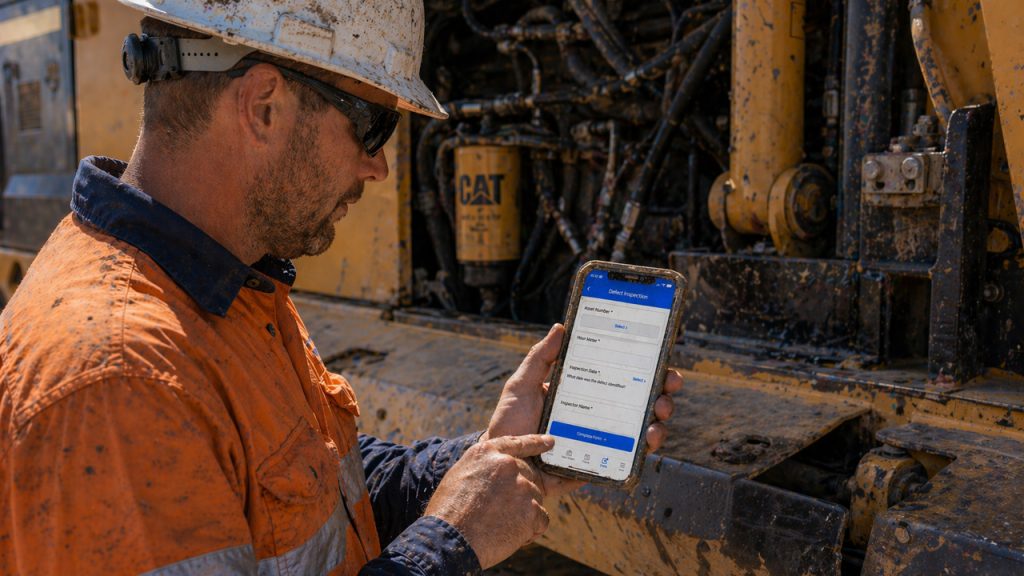
- mobile work orders completed in the field
- component changeouts, rebuilds and rotables
- inspections, pre-starts and defect capture
- contractor work that updates the same asset history
- downtime and availability reporting
- multi-site fleet visibility
- practical workflows that crews will actually use
Samurai was built around this reality. It is not a generic CMMS with earthmoving language added later. It is designed around how maintenance work happens on site, in workshops and across mobile fleets.
How Samurai works as a computerised maintenance management system
Samurai brings the core parts of maintenance control into one system.
Asset and equipment records
Create a central asset register for your fleet, including machines, attachments, major components and supporting equipment. Each asset keeps a live history of work, inspections, defects, downtime and cost.
This gives owners, planners and supervisors one place to see what has happened, what is due and what needs attention.
Work order management
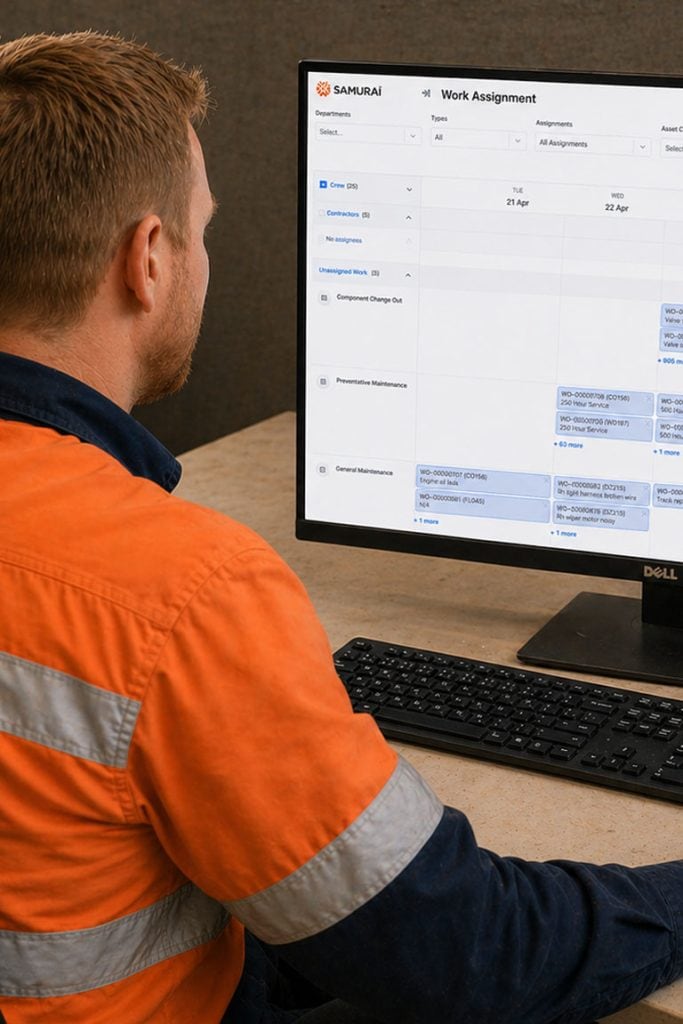
Samurai lets teams create, assign, complete and review work orders from the field or the office. Jobs can be linked to assets, defects, inspections, parts, contractors and downtime events.
Fitters and trades get clear job information on mobile. Planners and managers get reliable close-out data without chasing paper or rebuilding records later.
maintenance scheduling
A CMMS should help you stay ahead of work, not just record what already happened.
Samurai supports maintenance scheduling for mobile equipment, including usage-based servicing and task logic suited to heavy equipment fleets. This helps reduce missed servicing, duplicated work and reactive maintenance.
Inspections & forms
Samurai uses digital forms, check-lists, and inspections to capture the information that normally gets lost in paper, messages or separate apps.
Pre-starts, inspections, safety checks and defect reports can feed directly into maintenance records and work processes. That means forms do not just sit in a folder. They help drive the system.
Compopnents & Rotables
Major components have their own life, history and cost profile. Engines, transmissions, final drives and other high-cost items may move between assets, be rebuilt, returned to stock and redeployed.
Samurai helps maintain that continuity, so component history does not disappear when parts move between machines.
Downtime, Events & Shift Log
For equipment fleet, downtime is commercial. If a machine is not available, revenue, and client confidence can be affected.
Samurai captures downtime and availability as operational events, not just work orders. This gives clearer reporting and defensible records when discussing performance, delays or disputes.
| Capability | Generic CMMS | Samurai |
|---|---|---|
| Asset register | Usually included | Built around mobile earthmoving assets |
| Work orders | Usually included | Mobile-first workflows for crews and field work |
| Preventative maintenance | Often calendar-based | Supports real fleet maintenance requirements |
| Component tracking | Often limited or bolted on | Designed for components, rotables and rebuild cycles |
| Contractor access | Often licence-heavy | Contractor work can update the same records |
| Downtime tracking | Often inferred later | Captured as operational events |
| Crew adoption | Depends on configuration | Designed around practical site use |
| Cost visibility | Mostly backward-looking | Links work, assets, components and maintenance history |
Who Samurai CMMS is for?
Samurai is built for companies running fleets of equipment who have outgrown spreadsheets, paper systems or basic maintenance software. It suits the following businesses:
- Earthmoving companies
- Plant hire companies
- Civil construction fleets
- Waste disposal companies
- Councils operating mobile equipment
- Bus companies
- Transport and trucking companies
- Crane operators
- Earthmoving contractors
Typical users include owners, operations managers, plant managers, planners, supervisors, fitters and contractors.
Each role sees the information they need to do their job without turning the CMMS into another admin burden.
When should you move to a computerised maintenance management system?
You are ready for a CMMS if:
- servicing is being tracked in spreadsheets
- maintenance records are spread across paper, email, photos and messages
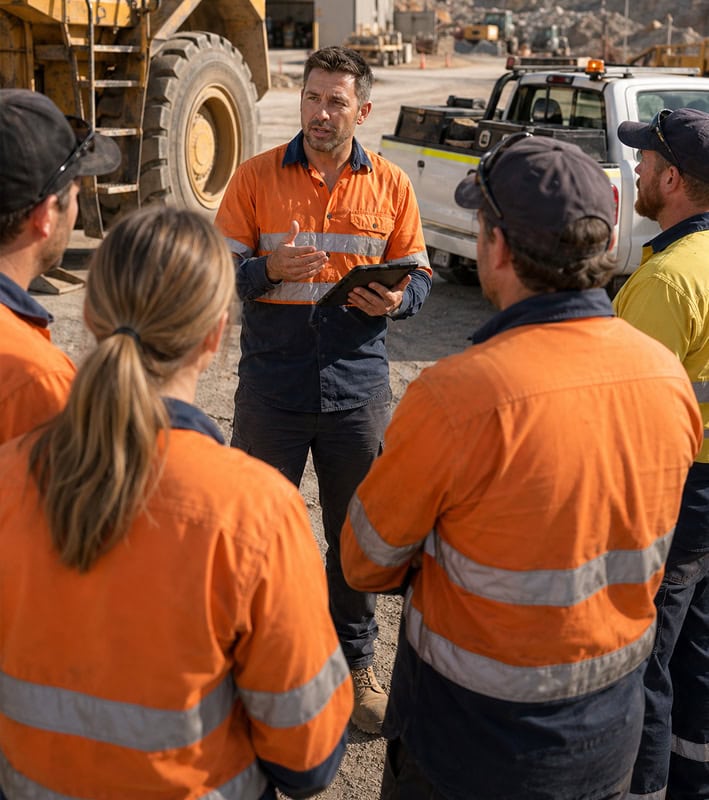
- supervisors are chasing updates by phone
- work is being entered after the job instead of during it
- asset history is incomplete
- contractors are keeping records outside your system
- downtime reporting is disputed or unreliable
- you cannot clearly see what maintenance is due across the fleet
- costs are only understood after the damage is done
For many growing earthmoving businesses, the issue is not that the team is doing a bad job. The business has simply outgrown the tools that used to work.
Why choose Samurai as your Computerised Maintenance Management System?
Samurai is built for maintenance teams that need control without ERP complexity.
Built for All Fleets
Samurai is designed for mobile equipment, site-based work, mobile assets, components, downtime and fleet maintenance.
Crews Will Actually Use It
Fitters and supervisors need fast, practical workflows. Samurai is built so work can be logged once and moved on.
Control Without Complexity
You get stronger maintenance control without turning the business into an ERP implementation project.
Better cost visibility
Samurai helps connect maintenance activity to asset performance, cost control and fleet availability.
One View of Maintenance
Work orders, inspections, defects, downtime, asset history and contractor work all come back to the same system.

What changes when your computerised maintenance management system matches the way You work?
When the system fits the job, the maintenance data gets better. When the data gets better, decisions improve.
With Samurai, earthmoving businesses can:
- stop relying on spreadsheets as the real maintenance system
- reduce double handling between paper, apps and office admin
- give fitters a faster way to close out work
- keep contractor work inside the same asset history
- see what is due, late, down or at risk
- build maintenance records that stand up in audits and client conversations
- understand fleet performance across sites
- protect margin through better downtime and cost visibility
The goal is not more software. The goal is better control.
Frequently Asked Questions
A computerised maintenance management system is software used to manage maintenance work, assets, work orders, service schedules, inspections and maintenance records. It is commonly shortened to CMMS.
Yes, in most cases a CMMS is a type of maintenance management software. The terms are often used together. The important difference is whether the system fits the kind of assets and work your business manages.
Generic CMMS tools are often designed for fixed assets, facilities or manufacturing environments. Heavy equipment maintenance involves mobile assets, changing site conditions, usage-based servicing, component rebuilds, field repairs and multiple crews.
Yes. Samurai can replace spreadsheets used for asset registers, service tracking, maintenance history, inspections, work orders, downtime tracking and fleet visibility. It keeps this information in one live system instead of scattered files.
Yes. Samurai supports contractor work by allowing external contractors to complete assigned work in the system. This helps keep contractor records connected to the same asset history as internal work.
Yes. Samurai is suited to fleets of all sizes companies that need stronger control over maintenance, records, downtime and costs. It is especially useful once spreadsheets or basic tools start creating gaps.
Yes. Samurai supports preventative maintenance scheduling for mobile equipment and heavy assets, helping teams plan work based on real fleet requirements rather than relying only on manual reminders or spreadsheets.
Ready to take control of your maintenance?
Samurai helps earthmoving and mining fleets capture maintenance properly at the source, reduce downtime, and stay in control of cost and performance across every site.