When teams start looking at moving away from paper or spreadsheets, the same questions always come up around cost, time to implement, and whether the crew will actually use the system. They’re fair questions, but they’re not what determines success. What really matters is whether your maintenance management system captures inspections as the work happens, or relies on data being filled in after the fact. That’s where most systems fall down.
This guide is for those looking to implement a digtial inspection system and covers the most common questions about inspection software.
What should a maintenance management system do for inspections?
A maintenance management system for earthmoving equipment should:
- Capture inspections in the field, not in the office
- Link every inspection to an asset
- Turn defects into work automatically
- Build asset history without extra admin
- Work offline across sites
If it doesn’t do this, inspections become paperwork instead of control.
What does a maintenance management system do that an ERP doesn’t?
An ERP records work after it’s done.
A maintenance management system (CMMS) controls how the work is done.
With Samurai:
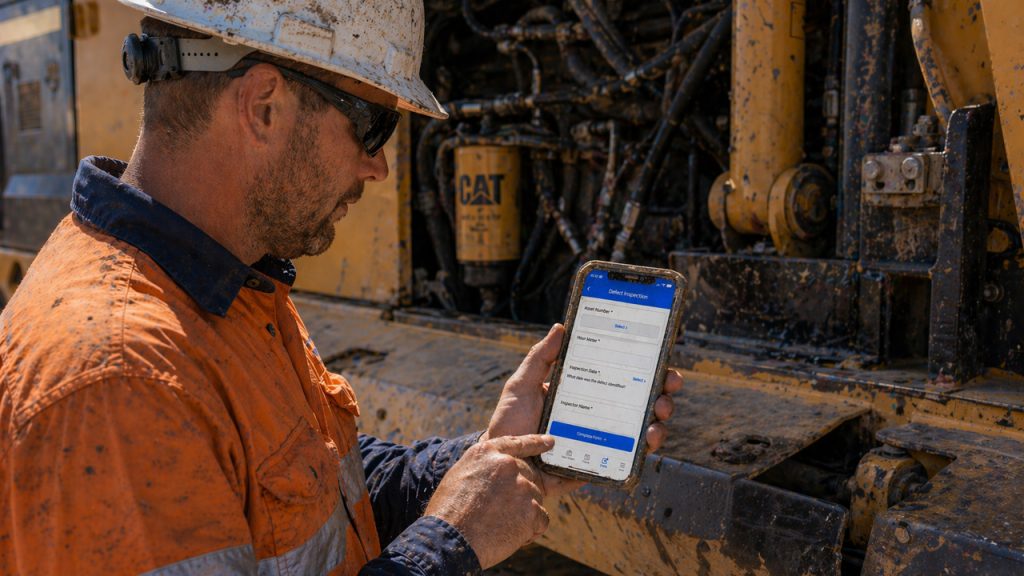
- Inspections happen in the field
- Issues are captured at the source
- Work orders are created properly
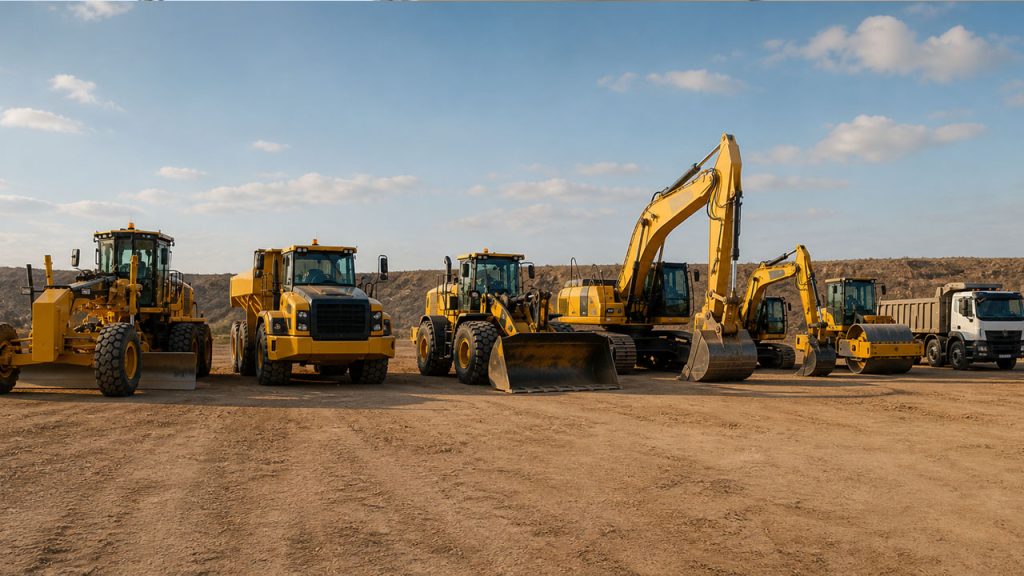
This is critical for earthmoving equipment CMMS use cases where machines are mobile, work is fast, and conditions change daily.
Is an earthmoving equipment CMMS expensive to implement?
Most modern systems are cloud-based. You don’t need:
- Servers
- Long IT projects
- Heavy setup
Most teams start with one workflow and expand. The bigger cost is poor inspection processes:
- Missed faults
- Repeat breakdowns
- Time lost chasing paperwork
Will crews actually use a maintenance management system?
If it slows them down, they won’t. A good earthmoving equipment CMMS is built around how trades and supervisors actually work:
- Log it once and move on
- Minimal typing
- Clear, guided workflows
Adoption is not a training problem. It’s a design problem.
How long does it take to implement a CMMS for earthmoving equipment?
You don’t need months. Start with:
- One inspection type
- One part of the fleet
- Real jobs
Then scale. A maintenance management system should deliver value quickly, not after a long configuration phase.
The questions that actually drive value
Do inspections update the maintenance management system automatically?
In most tools, inspections sit outside the system. In a proper earthmoving equipment CMMS:
- Forms update asset records
- Defects trigger follow-up work
- History builds automatically
This removes double handling and keeps data accurate.
Can inspections scale across the business?
A maintenance management system should support:
- Pre-start inspections
- Scheduled maintenance checks
- Safety and compliance forms
- Contractor inspections
All in one platform. If inspections live in separate tools, your data will always be incomplete.
Is inspection history usable at the asset level?
A CMMS should store inspection data against each asset:
- What was found
- When it was found
- What was done
This is what turns inspections into usable maintenance data.
Can crews access previous inspections in the field?
For earthmoving fleets, this is critical. Crews should be able to see:
- Previous defects
- Photos
- Notes
Before starting work. This improves decision-making and reduces repeat issues.
Are inspection forms flexible for different equipment types?
An earthmoving equipment CMMS must handle variation across assets. Forms should adapt based on:
- Machine type
- Risk level
- Job type
This keeps inspections relevant without slowing the job down.
Can contractors use the same system?
Most fleets rely on contractors. A maintenance management system should allow:
- Controlled access
- Shared workflows
- Consistent records
Without adding licensing complexity.
Does the system work offline?
Earthmoving equipment operates in remote environments. A CMMS must allow:
- Inspections
- Photos
- Defect logging
Without connectivity. Data should sync automatically when back online.
Can you trust the data in your maintenance management system?
This comes down to one thing: Was the data captured during the job?
If inspections are done properly:
- Data is accurate
- History is complete
- Reporting is reliable
If not, you’re relying on reconstruction and guesswork.
What Does a good earthmoving equipment CMMS change?
When inspections are built into your maintenance management system:
- Issues are caught earlier
- Work is planned properly
- Asset history becomes reliable
- Compliance happens automatically
You stop chasing paperwork. You start running the fleet with real data.
How to choose a maintenance management Inspection system for earthmoving equipment?
The best maintenance management system for earthmoving fleets is one that:
- Is built specifically for mobile equipment
- Captures inspections and defects at the source
- Is used by crews without being forced
- Produces reliable, asset-level data
- Scales without adding admin
That’s what separates a generic CMMS from a true earthmoving equipment CMMS.
Ready to take control of your maintenance?
Samurai helps earthmoving and mining fleets capture maintenance properly at the source, reduce downtime, and stay in control of cost and performance across every site.