
A CMMS Built for the Dirt, Not the Boardroom
A maintenance management system for earthmoving equipment. It works when other CMMS don’t, capturing maintenance as it happens. Your data stays right, your costs stay under control, and your crew keeps moving.
A maintenance management system for earthmoving equipment. Let's get to work!
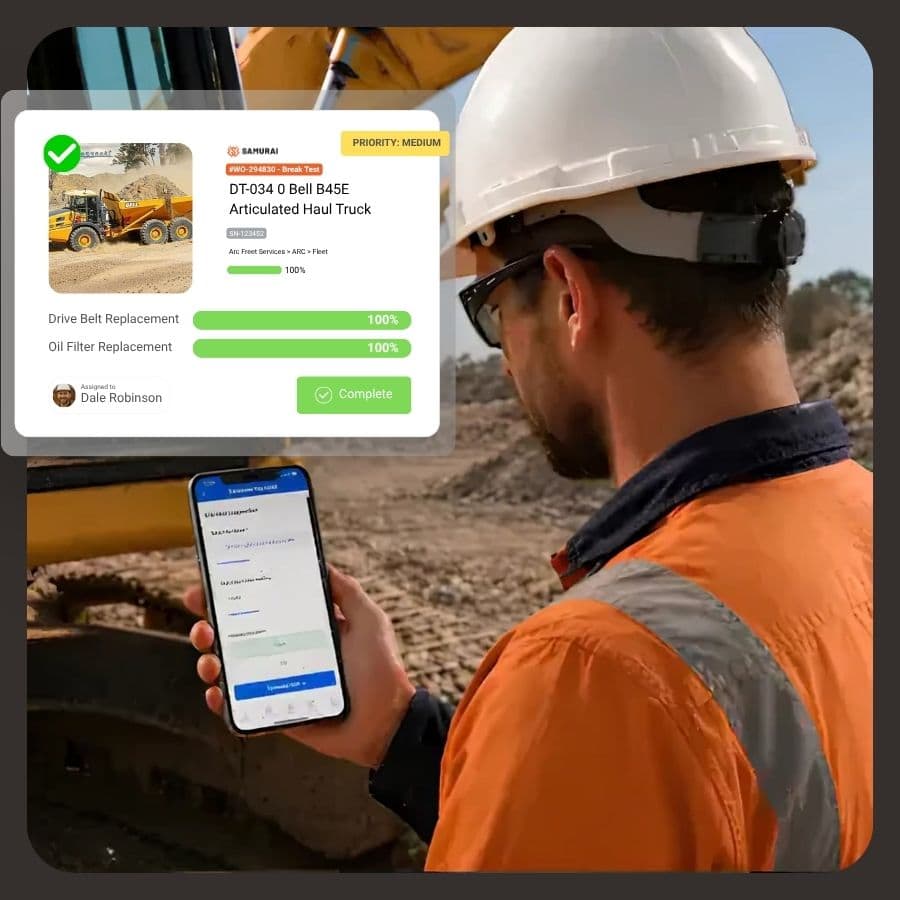
Maintenance management starts with the work order
Assets & Tasks that drive your maintenance
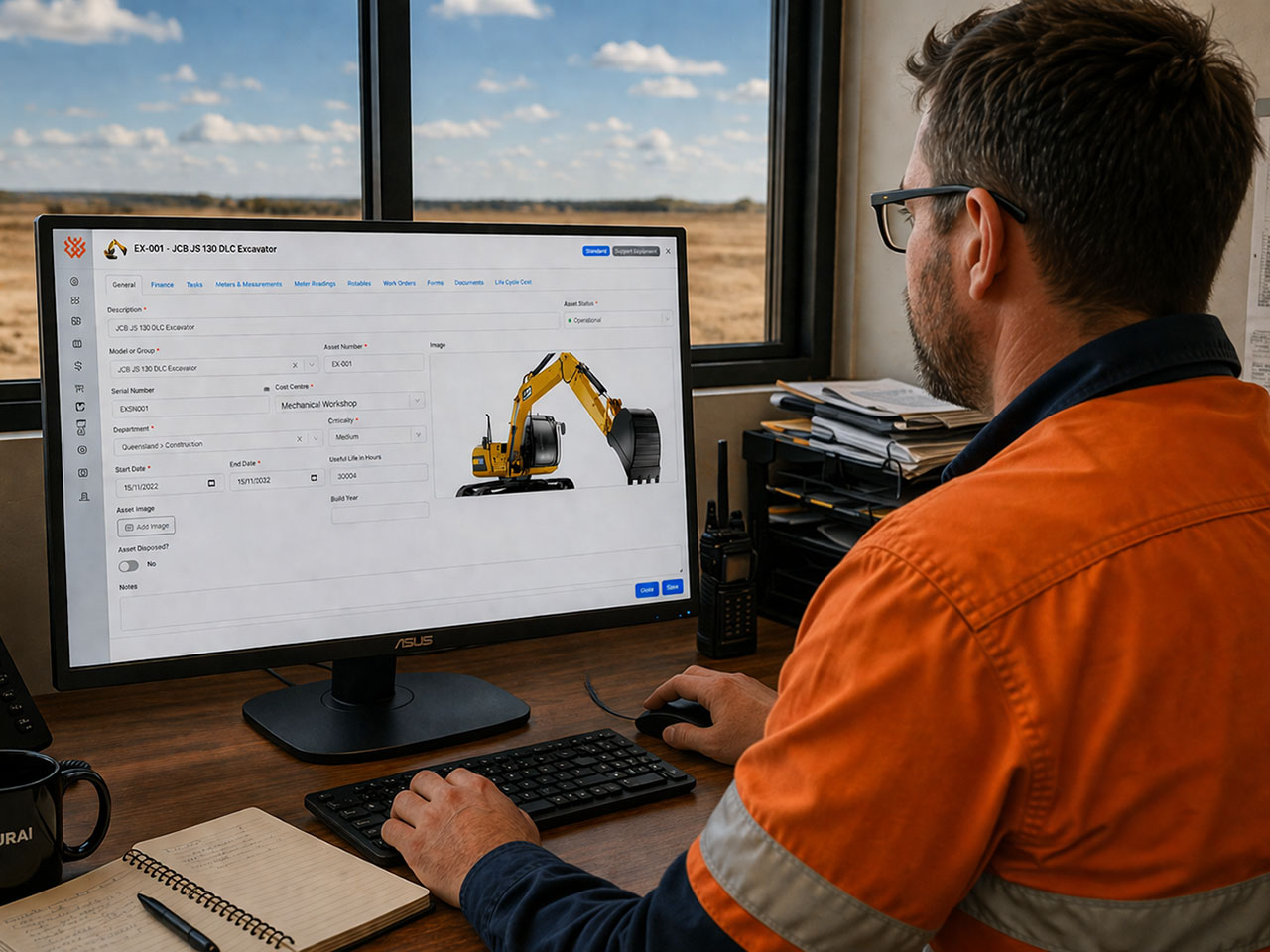
Keep assets and maintenance tasks in one place, so nothing gets missed as the fleet grows. Tasks define what work gets done, how often, and what it takes. They drive consistent work orders, services and inspections across your fleet.
Linked directly to assets, every job builds a clean history. You can see what’s done, what’s due, and what’s at risk without chasing spreadsheets. Better planning, fewer surprises, and maintenance that actually runs properly.
Inspections & Forms that actually get used
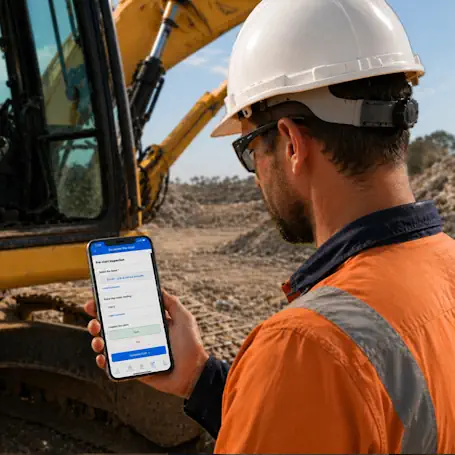
Make inspections and forms part of the job, not extra paperwork. Crews complete checks quickly on mobile, with results captured instantly against the asset while forms update maintenance records, compliance logs, and asset history in the background. Issues are flagged early, not discovered later, so you can act before they turn into downtime or disputes. No double handling, no re-entry, and no gaps, just structured, reliable data captured once and used everywhere.
Know what you have. Get what you need. Keep working.
Track what actually drives cost, risk, and downtime.
A clear record of what happened, when it happened.
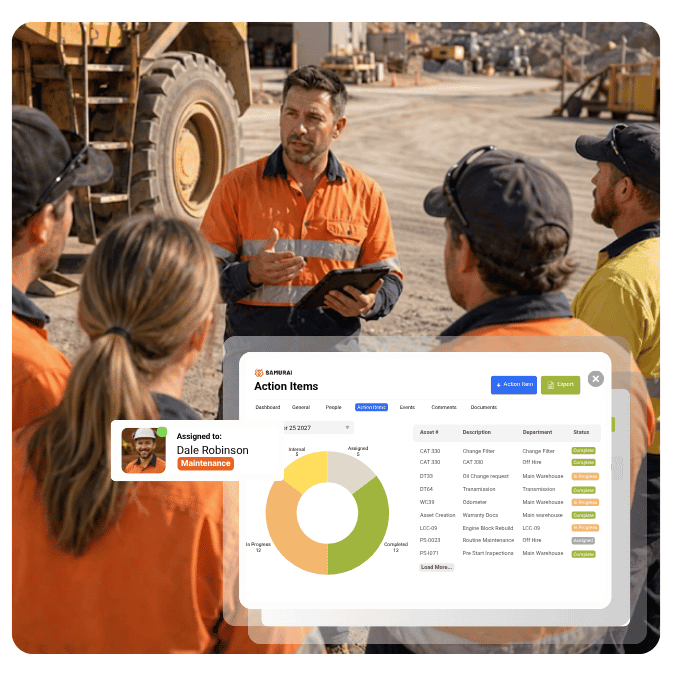
Adoption that actually sticks
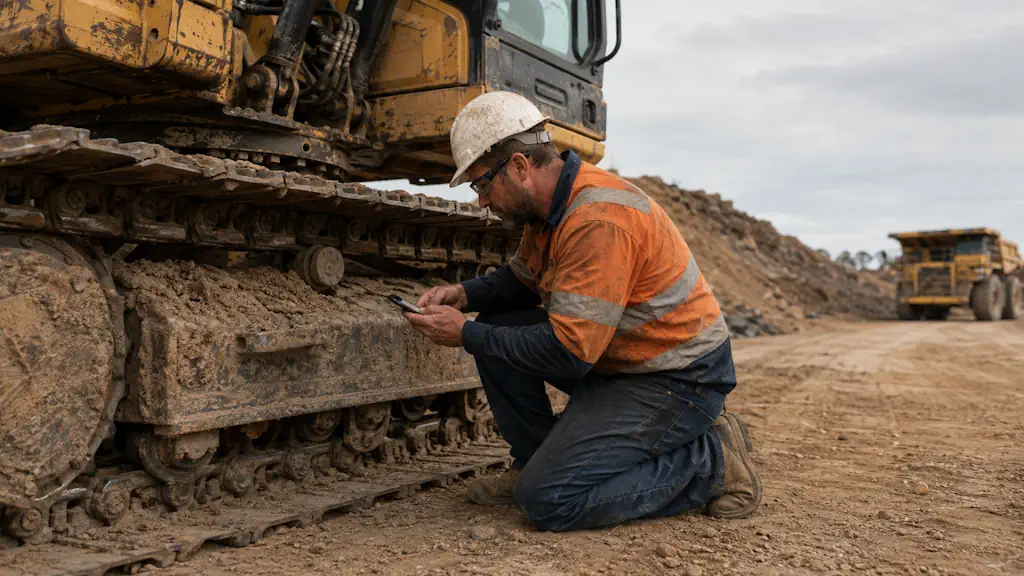
Built around how maintenance really happens in the field and the workshop. Crews are guided through the job as they work, so the data gets captured properly the first time.
Mobile-first, role-aware. A fitter sees fitter things, a supervisor sees supervisor things.
Breakdowns logged in seconds with pre-populated fields.
Business rules embedded in the process, not bolted on the end.
<div style="display: flex; gap: 15px; align-items: center; justify-content: space-between; flex-wrap: wrap;">
<div style="flex: 1; min-width: 250px;">
</div>
<div>
<a href="tel:+61739150894" style="background-color: #f26522; color: #ffffff; padding: 12px 20px; text-decoration: none; border-radius: 4px; font-weight: 600; display: inline-block; white-space: nowrap;">Contact Us</a>
</div>
</div>
Real life cycle cost forecasting
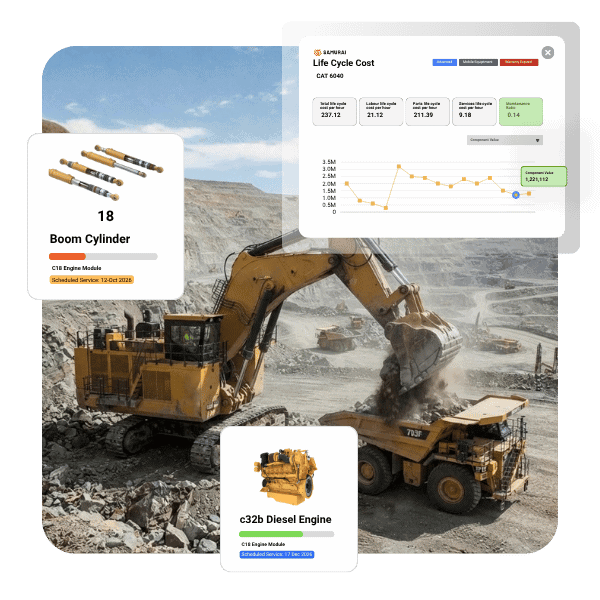
Labour, parts and component costs tracked continuously and forecast forward — so you know what each asset really costs today and what’s coming next quarter, year and over the asset life.
Component life tracking from installation to rebuild — engines, transmissions, undercarriages.
Live cost per hour per asset over the life-cycle. Defensible equipment operating rates.
Automatic life reset on changeout, real-time component forecasts. No spreadsheet in parallel.
Forward cost forecast that updates with live equipment and performance data.
common connectors
Connect Your Fleet, Finance and Maintenance Data
Samurai integrates with the platforms commonly used by earthmoving contractors and equipment hire businesses. These connections bring operating data into the maintenance workflow and return relevant purchasing and cost information to the systems that need it.

Connect maintenance purchasing and supplier processes with Xero. Less double handling, with clearer control over purchasing and work order costs.

Connect maintenance and supplier processes with MYOB. Reduce double handling and kepp purchasing and work orders information aligned across.

CAT VisionLink provides machine monitoring information including operating and idle hours, fuel use and equipment health data.

Komatsu KOMTRAX provides remote access to equipment data such as location, operating activity, fuel use and idle time.

Volvo CareTrack provides telematics insights including equipment location, fuel consumption, machine utilisation and performance information.

Bell Fleetm@tic provides fleet monitoring and operational information, including machine activity, fuel consumption and production data.
<div style="display: flex; gap: 15px; align-items: center; justify-content: space-between; flex-wrap: wrap;">
<div style="flex: 1; min-width: 250px;">
</div>
<div>
<a href="tel:+61739150894" style="background-color: #f26522; color: #ffffff; padding: 12px 20px; text-decoration: none; border-radius: 4px; font-weight: 600; display: inline-block; white-space: nowrap;">Contact Us</a>
</div>
</div>
Built for earthmoving. Proven on site.

Does this Sound familiar?
- “Excel worked when we had 30 machines. Now it’s getting out of hand.”
- “We invested in a maintenance management system, but the team still falls back to paper.”
- “I only find out what a machine really cost us after the job is done.”
- “Contractors work on our gear and we never see the records.”
- “One planner holds the knowledge. If they leave, we’re in trouble.”
What changes with Samurai.
- Data captured at the source — no more rebuilding the story after the shift.
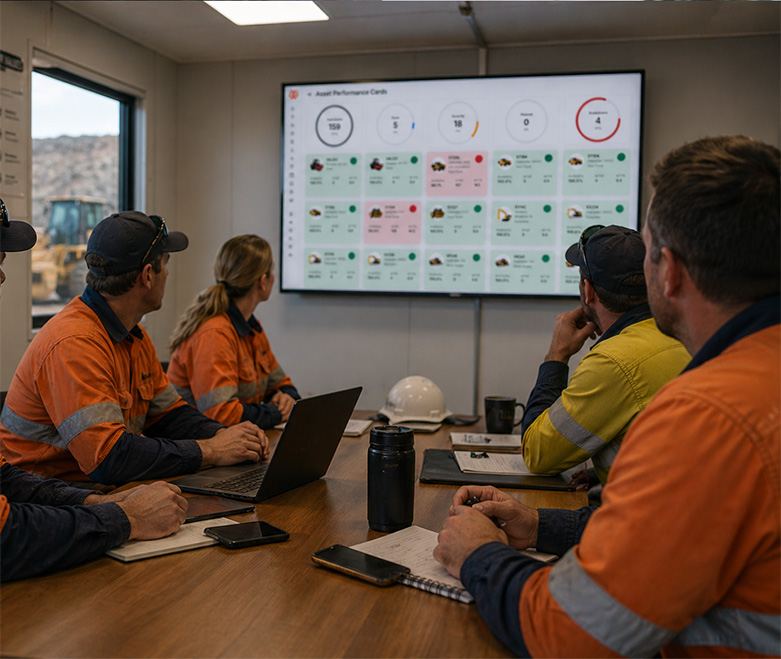
- One live view of fleet status, upcoming work and cost-per-hour.
- Forward cost forecasting — spot margin erosion before it hits.
- Contractor work in the same record as your internal crews.
- Audit-ready history generated automatically as work gets done.
<div style="display: flex; gap: 15px; align-items: center; justify-content: space-between; flex-wrap: wrap;">
<div style="flex: 1; min-width: 250px;">
</div>
<div>
<a href="tel:+61739150894" style="background-color: #f26522; color: #ffffff; padding: 12px 20px; text-decoration: none; border-radius: 4px; font-weight: 600; display: inline-block; white-space: nowrap;">Contact Us</a>
</div>
</div>
Built for earthmoving & construction fleets, not adapted from factory systems
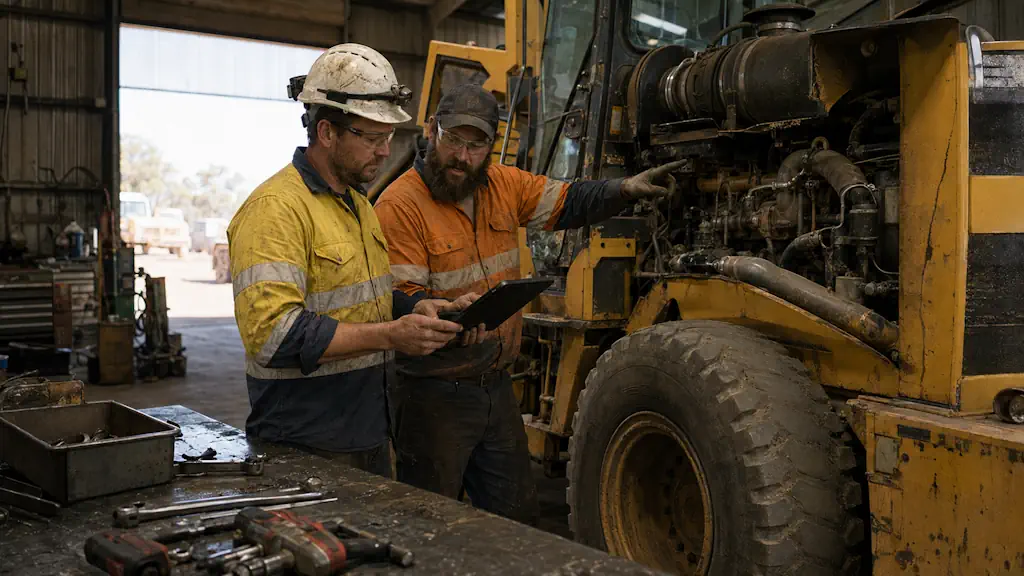
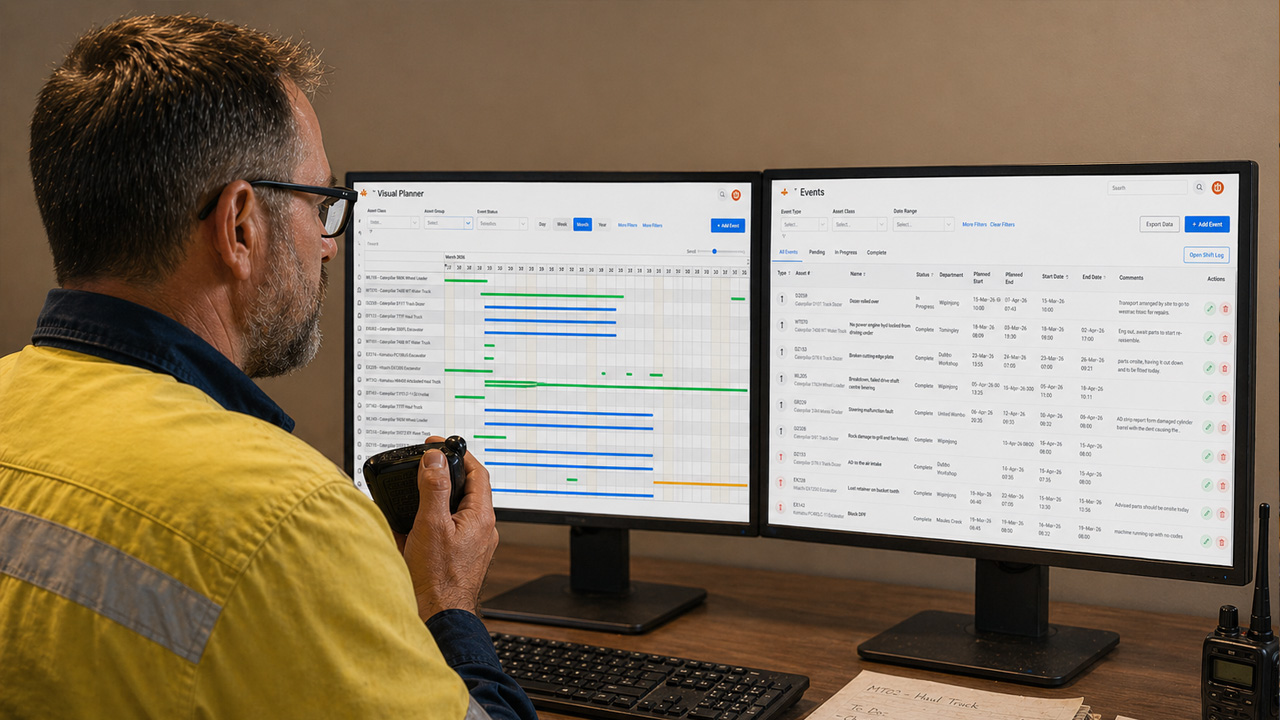

Stop managing maintenance. Start managing your assets.
See how Samurai gives earthmoving contractors and plant hire companies complete control over the machines that generate their revenue.
Starter
Best for small teams with fewer than 20 assets
- Starter Includes
- Asset register
- Preventative maintenance schedules
- Meter readings and usage
- Work requests
- Work orders
- Purchase orders
- Forms and inspections
- Task templates
- Maintenance history
- Reporting and dashboards
- Mobile app for Apple or Android
Business
Best for medium to large operations
- Everything in Starter plus
- Asset specifications
- Contractor work assignment
- Component management
- Events and downtime
- Measurements
- Timesheets
- Life cycle costing
- Basic budgeting
- Telemetry integrations
- Priority support
- Bundled onboarding
- User defined dashboard
Enterprise
Best for large, multi-site operations
- Everything in Business plus
- Unlimited-user pricing options
- Single sign-on
- Advanced integrations
- Custom workflows and configuration
- Hierarchical approvals
- API Access
- Dedicated account management
- Enterprise onboarding
- Custom reporting requirements
- MCP and AI Integrations
WHY SAMURAI
Why teams running earthmoving fleets choose Samurai
Most maintenance software is built for factories, then retrofitted for everything else. Samurai is built for earthmoving operators, with input from earthmoving operators. Here’s what that means in practice.
Built for hour-based services, component and rotables not adapted from a factory CMMS.
Mobile-first workflows crews will actually use, data is captured where the work happens.
Contractors get time-bound access with no per-seat licence fee. Their work lands in your record.
Forward cost forecasting that updates continuously — not backward-looking reports.
User-defined inspections, check-lists and forms that replace paper, safety apps and double handling.
Audit-ready history generated automatically as work is completed. No scrambling for evidence.
Australian team, built on real sites. We’ve been on the tools and we understand the work.
<div style="display: flex; gap: 15px; align-items: center; justify-content: space-between; flex-wrap: wrap;">
<div style="flex: 1; min-width: 250px;">
</div>
<div>
<a href="tel:+61739150894" style="background-color: #f26522; color: #ffffff; padding: 12px 20px; text-decoration: none; border-radius: 4px; font-weight: 600; display: inline-block; white-space: nowrap;">Contact Us</a>
</div>
</div>